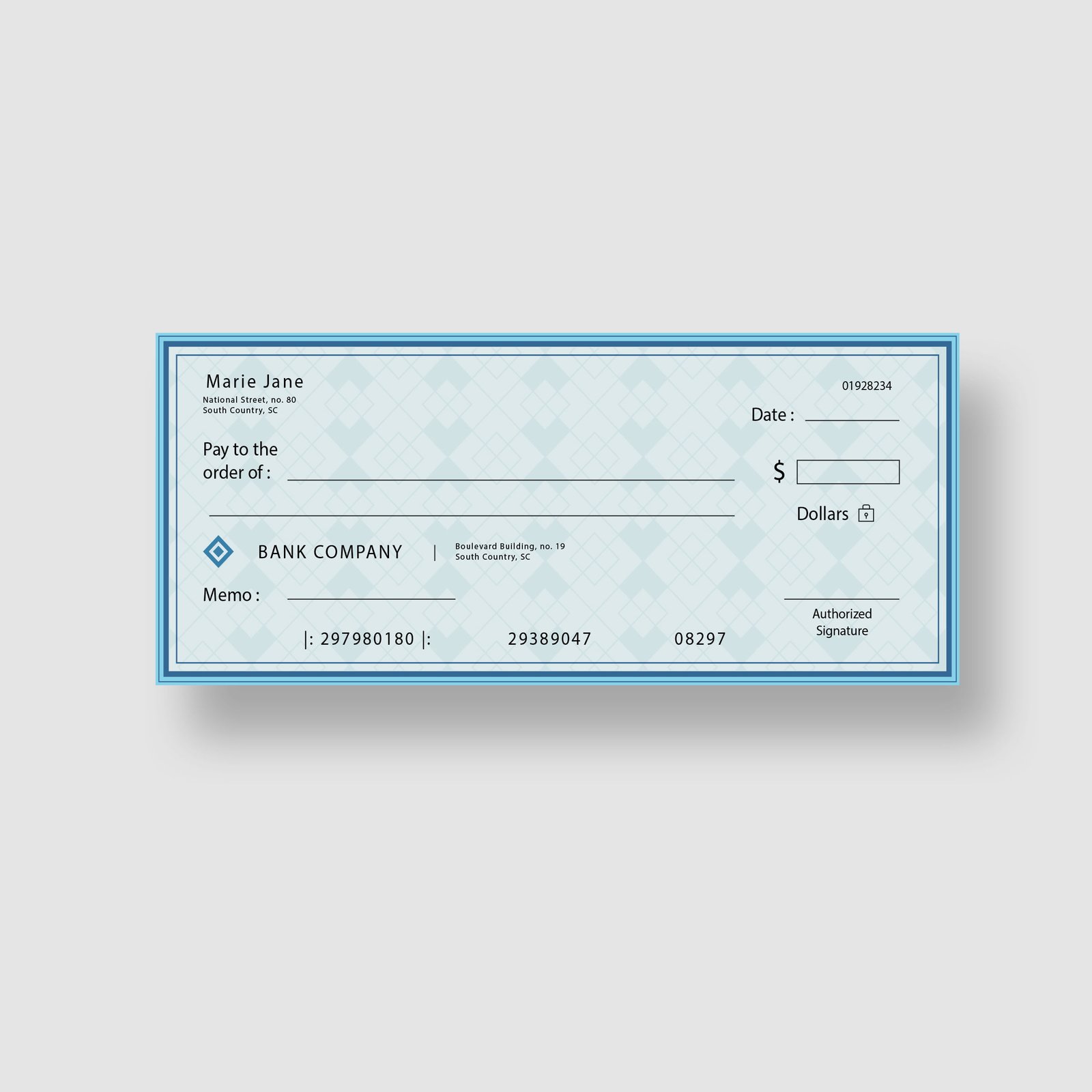
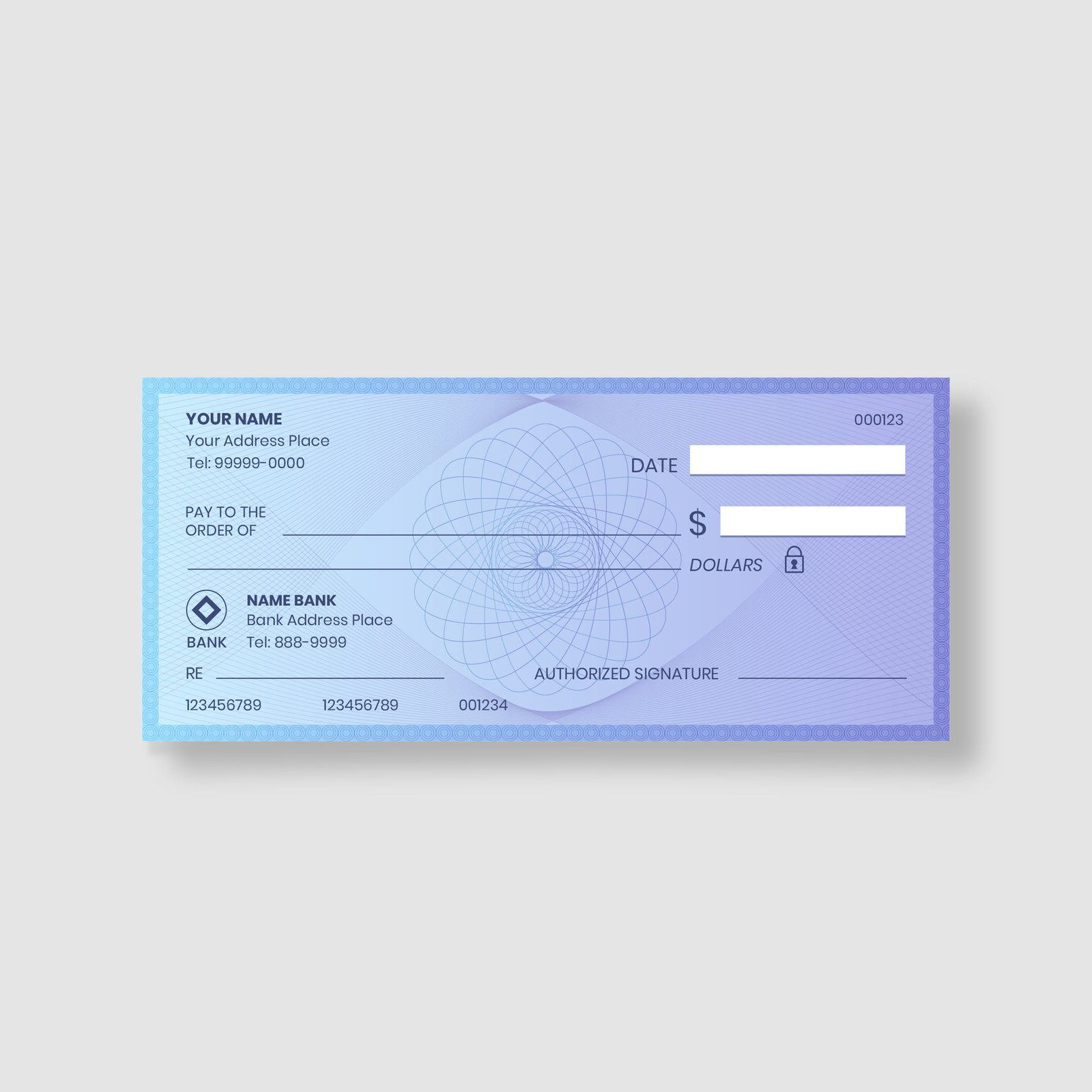
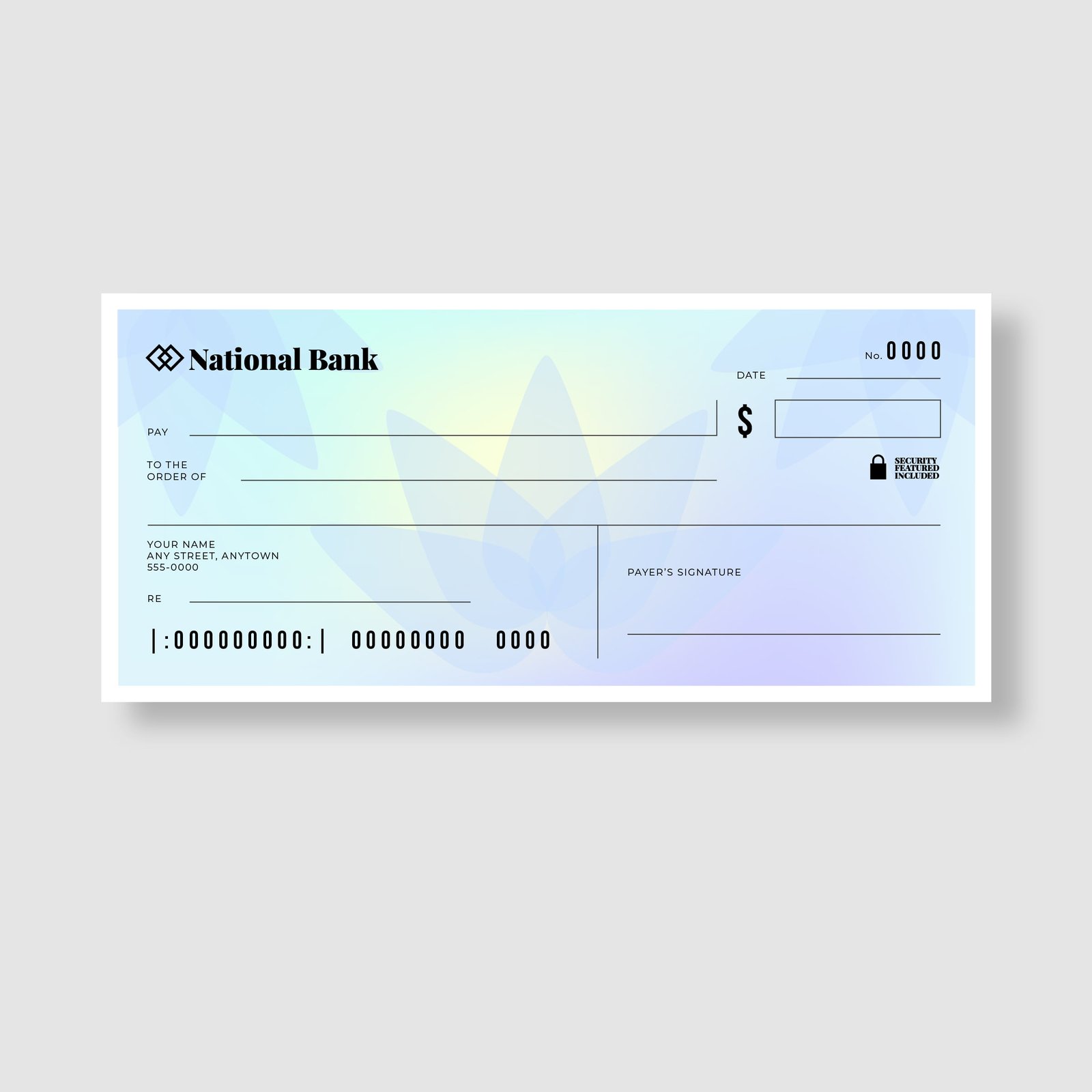
Cheques

Reliable Business Cheques: Compatible & CPA Compliant

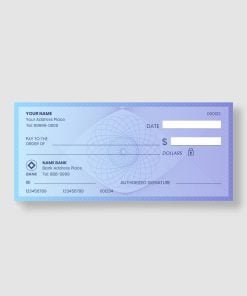
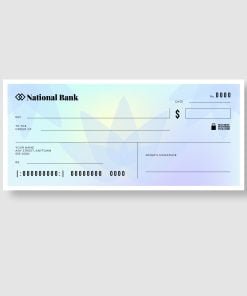
Streamline your payroll and vendor payments with our custom business cheques. Whether you print directly from your accounting software or write them by hand, our cheques are guaranteed to meet CPA (Canadian Payments Association) Standard requirements for 100% acceptance at any Canadian financial institution.

Choose Your Format:

  • Laser Cheques (Computer):

    • Designed for seamless compatibility with QuickBooks, Sage 50, and other major accounting software.

    • Standard 8.5″ x 11″ sheets tailored to align perfectly with your printer settings.

    • Available with Top, Middle, or Bottom stubs.

  • Manual Cheques (Handwritten):

    • Perfect for businesses that need to write payments on the go.

    • Features a side stub for easy record-keeping.

    • Clean, professional layout that represents your business better than standard bank books.

Customization:

  • Add Your Branding: Print your company logo in Black & White or Full Color.

  • Select Your Style: Choose from a variety of professional background colors to match your business style.

Yes! Our Laser Cheques are pre-formatted to match the print settings of QuickBooks, Sage, and Xero. When ordering, simply let us know which software you use.

Absolutely. We print using magnetic ink (MICR) and follow strict CPA Standard 006 guidelines. Your cheques will clear at any bank or credit union in Canada, just like the ones you get from the branch.

It’s easy. Upload a scan or photo of a VOID cheque from your current account. We will use this to copy your Transit, Institution, and Account numbers exactly to ensure there are no errors.

You can order as few as 100 cheques to start. This is great for small businesses that don’t want to store boxes of unused cheques.

Yes. These cheques include essential fraud protection features such as Microprint (tiny text that cannot be photocopied) and Security Screens to prevent tampering.
For ordering this product, please click the button below to fill out the form.
We will get back to you as soon as possible.

Get a quote

How can I get my order?

You can pick up your order from the shop during the week under normal working hours. If you will need your order to be delivered with in the city or shipped outside, we will be more than happy to arrange that too.

Why do I need bleed in the file?

"Bleed" is an extra 1/8 inch (0.125") of artwork that extends beyond the edge of the card. We cut through this area to ensure your design goes all the way to the edge without leaving any white hairline borders.

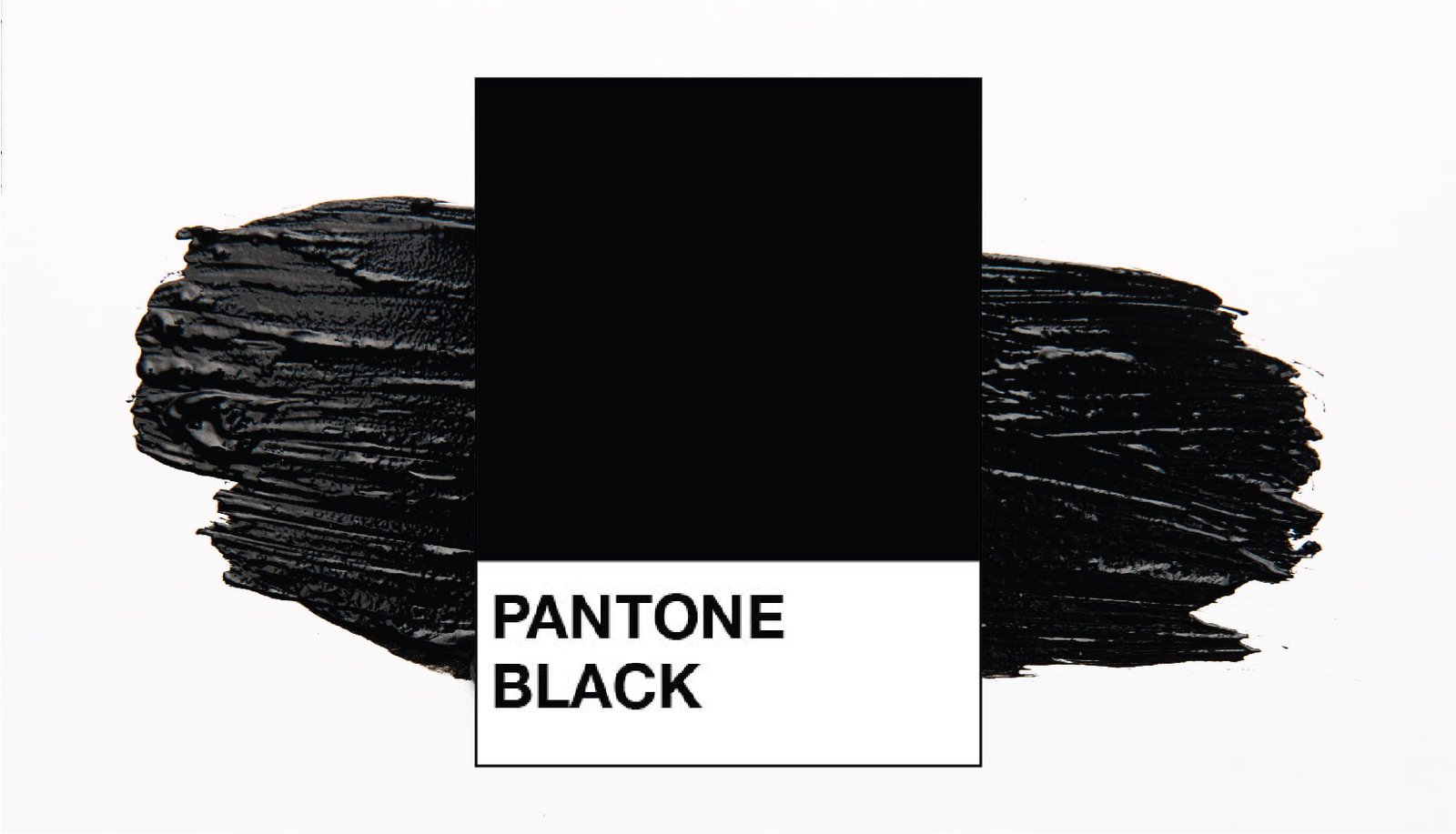
Which black should I use?

For large black backgrounds: Use Rich Black (C=75 M=68 Y=67 K=90).
This creates a deep, dark black.
For small text: Use 100% Black (K=100) to keep the text sharp and crisp.

Which color format is best: RGB or CMYK?

Please design in CMYK. RGB (Red, Green, Blue) is for computer screens. CMYK (Cyan, Magenta, Yellow, Black) is for printing. Note: If you submit an RGB file, we will convert it for you, but the colors may shift slightly.

Do you check my artwork before printing?

Yes! To ensure the best quality, our pre-production team reviews every file for correct bleed and sizing.

If we find an issue: We will contact you immediately via email or phone and advise you on how to fix the file.

Design Tip: To avoid cutting off essential elements (like phone numbers or logos), please keep them at least 0.125" (3.175 mm) away from the edge. This is called the "Safety Zone." Only your background colors or images should extend to the edge.

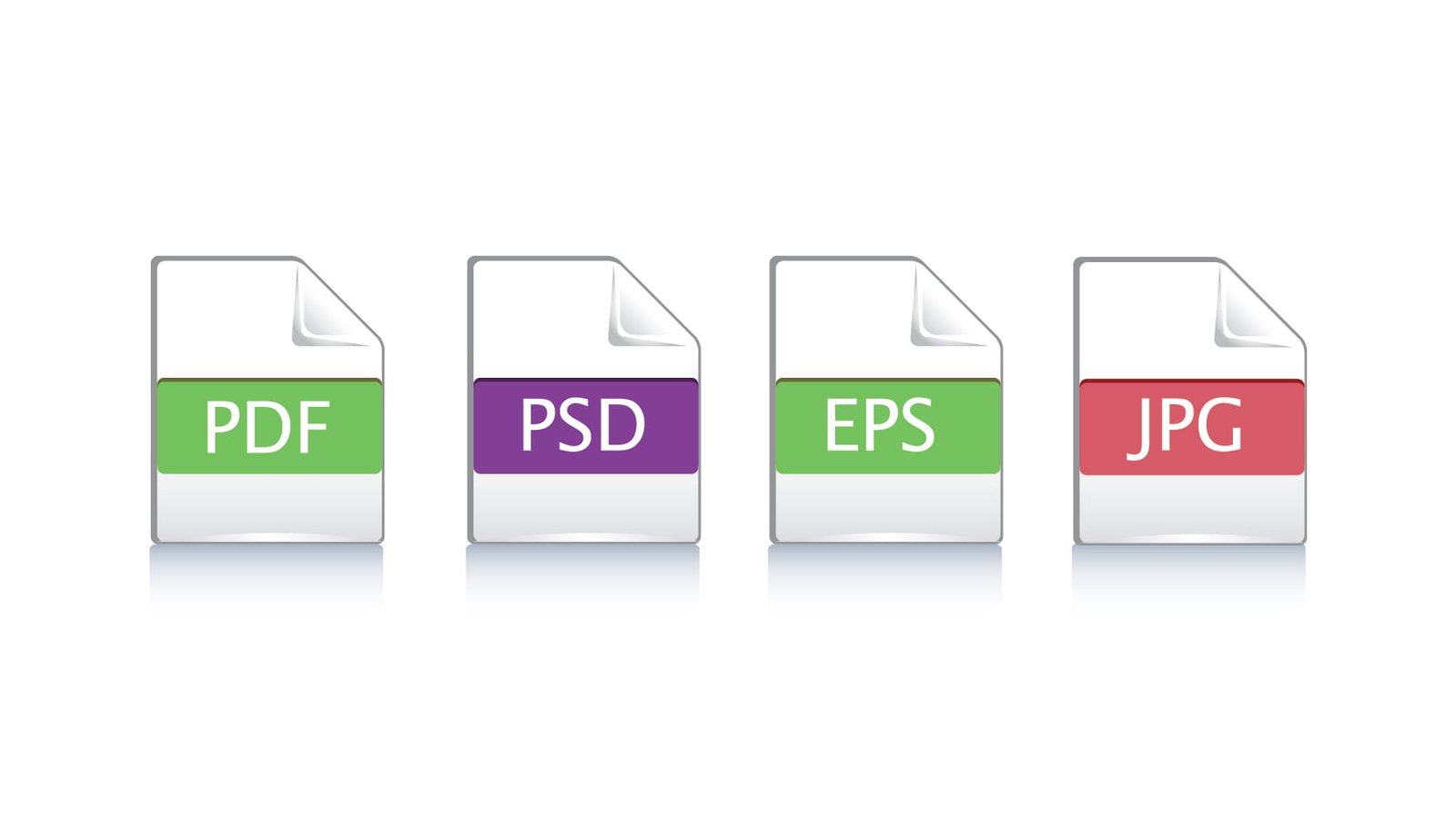
Which file format will be the best for printing?

We prefer a high-quality PDF with bleed included. We also accept high-resolution JPG or PNG files (300 DPI).

This site uses cookies to offer you a better browsing experience. By browsing this website, you agree to our use of cookies.