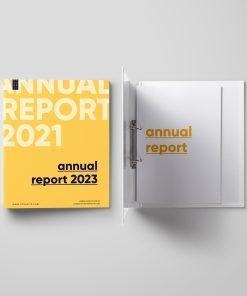
Vinyl Binders

Organize in Style: Custom Printed Vinyl Binders

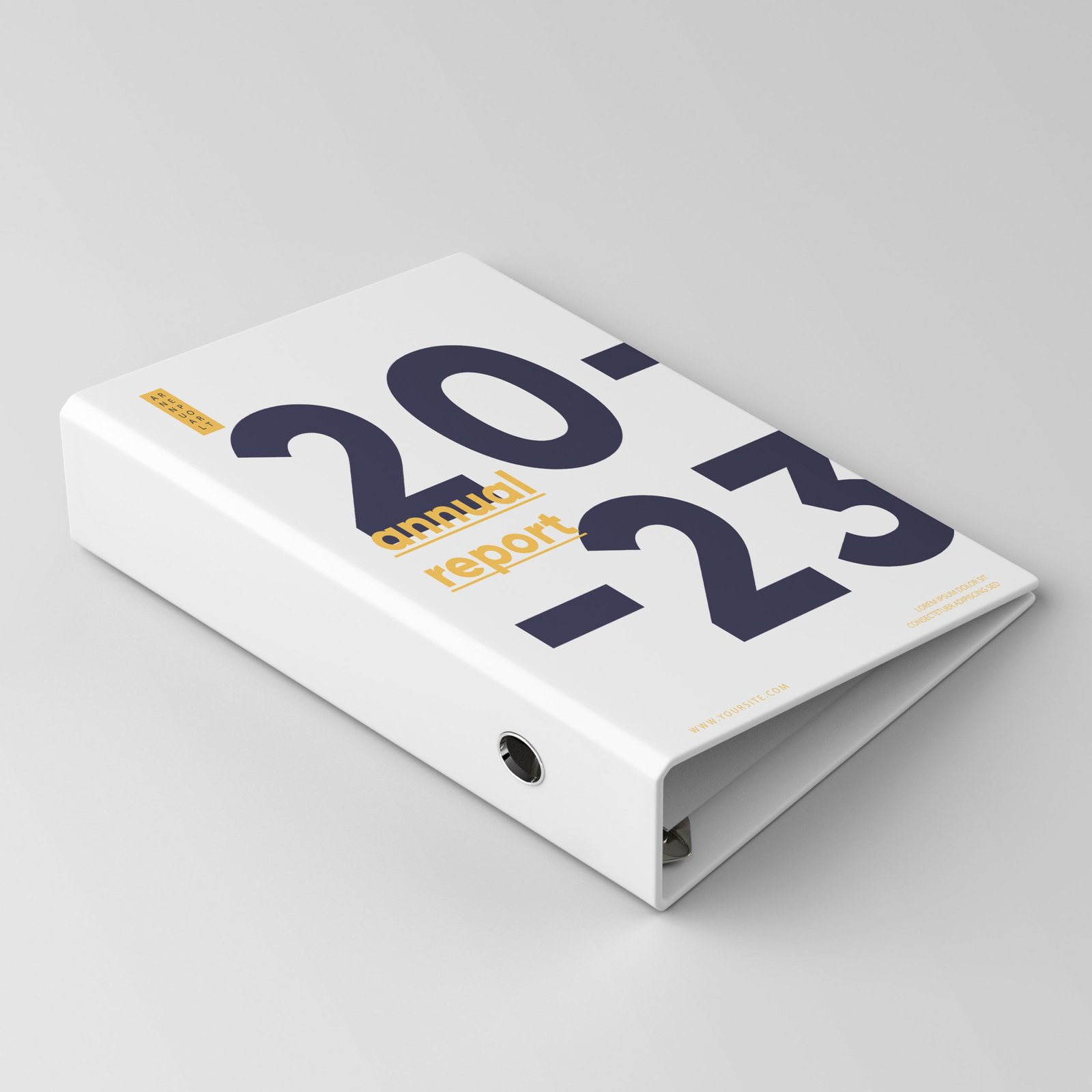
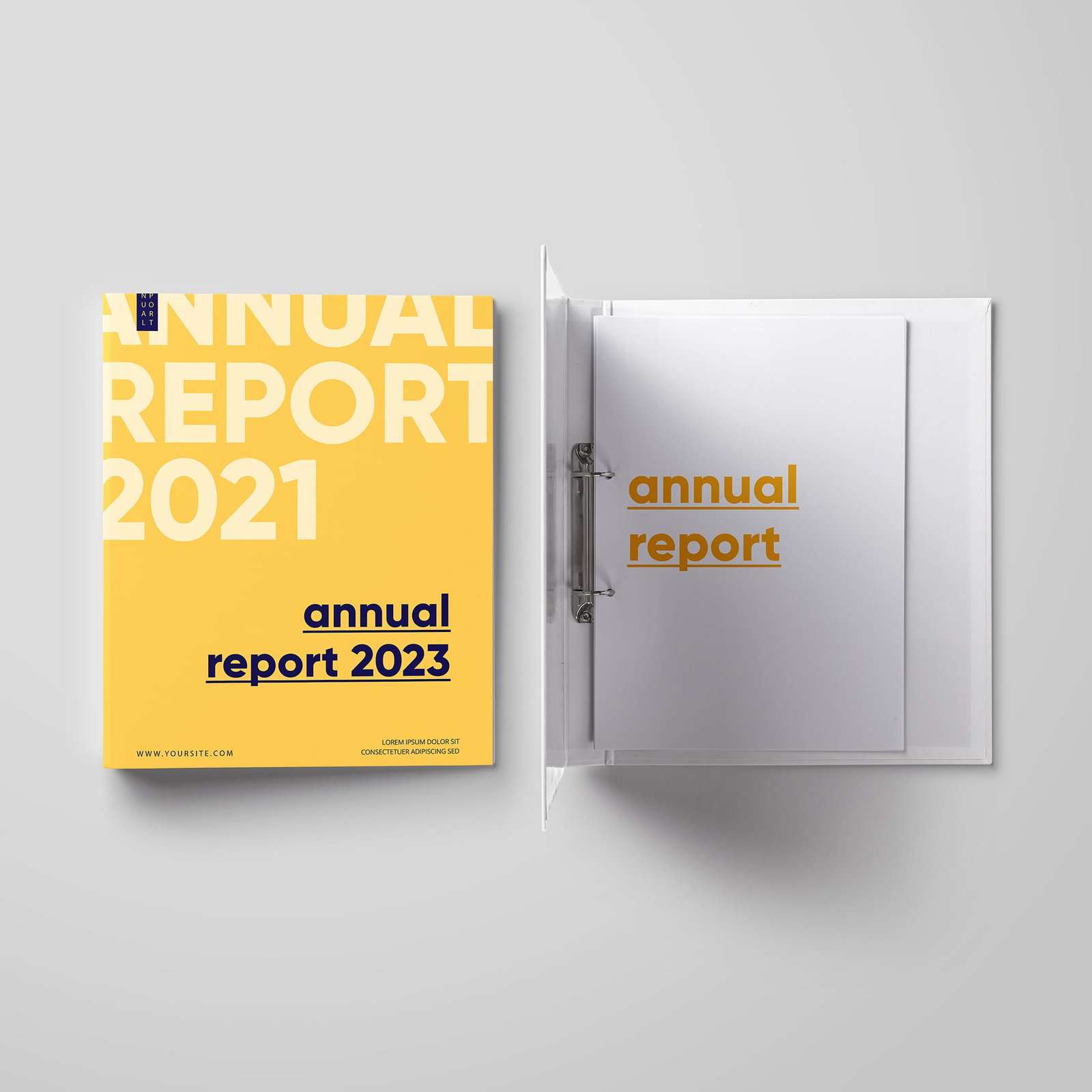
Turn a stack of messy paperwork into a professional presentation. Our custom vinyl binders are the gold standard for employee handbooks, training manuals, and client proposals. Built with a durable vinyl core and crystal-clear overlays, we seal your custom-printed graphics directly onto the cover and spine for a seamless, high-end look.

Why Choose Our Binders?

  • Durable Construction: Made with heavy-duty vinyl wrapped around a rigid board to withstand daily use in the office or on the job site.

  • Fully Customizable: We print your custom design on high-quality paper and seal it permanently under a clear, non-glare overlay on the front, back, and spine.

  • Professional Organization: Keep your documents secure with sturdy metal rings (available in Round or D-Ring styles).

Common Uses:

  • Employee Training Manuals

  • Real Estate Closing Binders

  • Corporate Safety Manuals

  • School Yearbooks & Portfolios 

  • Standard: Fits 8.5″ x 11″ letter-sized paper.

  • Junior: Fits 5.5″ x 8.5″ (half-letter) paper.

  • Ledger: Fits 11″ x 17″ paper (great for architectural plans).

The ring size determines how many sheets of paper the binder can hold:

  • 1 inch: Holds approx. 175 sheets.

  • 1.5 inch: Holds approx. 275 sheets.

  • 2 inch: Holds approx. 375 sheets.

  • 3 inch: Holds approx. 570 sheets.

  • Round Ring: The standard circular ring. Good for general use.

  • D-Ring: Shaped like a ‘D’. These are better for larger binders because they allow pages to lay flat and hold about 25% more paper than round rings.

Yes! Our standard binders come with two clear horizontal pockets on the inside front and back covers for holding loose papers and business cards.
For ordering this product, please click the button below to fill out the form.
We will get back to you as soon as possible.

Get a quote

How can I get my order?

You can pick up your order from the shop during the week under normal working hours. If you will need your order to be delivered with in the city or shipped outside, we will be more than happy to arrange that too.

Why do I need bleed in the file?

"Bleed" is an extra 1/8 inch (0.125") of artwork that extends beyond the edge of the card. We cut through this area to ensure your design goes all the way to the edge without leaving any white hairline borders.

Which black should I use?

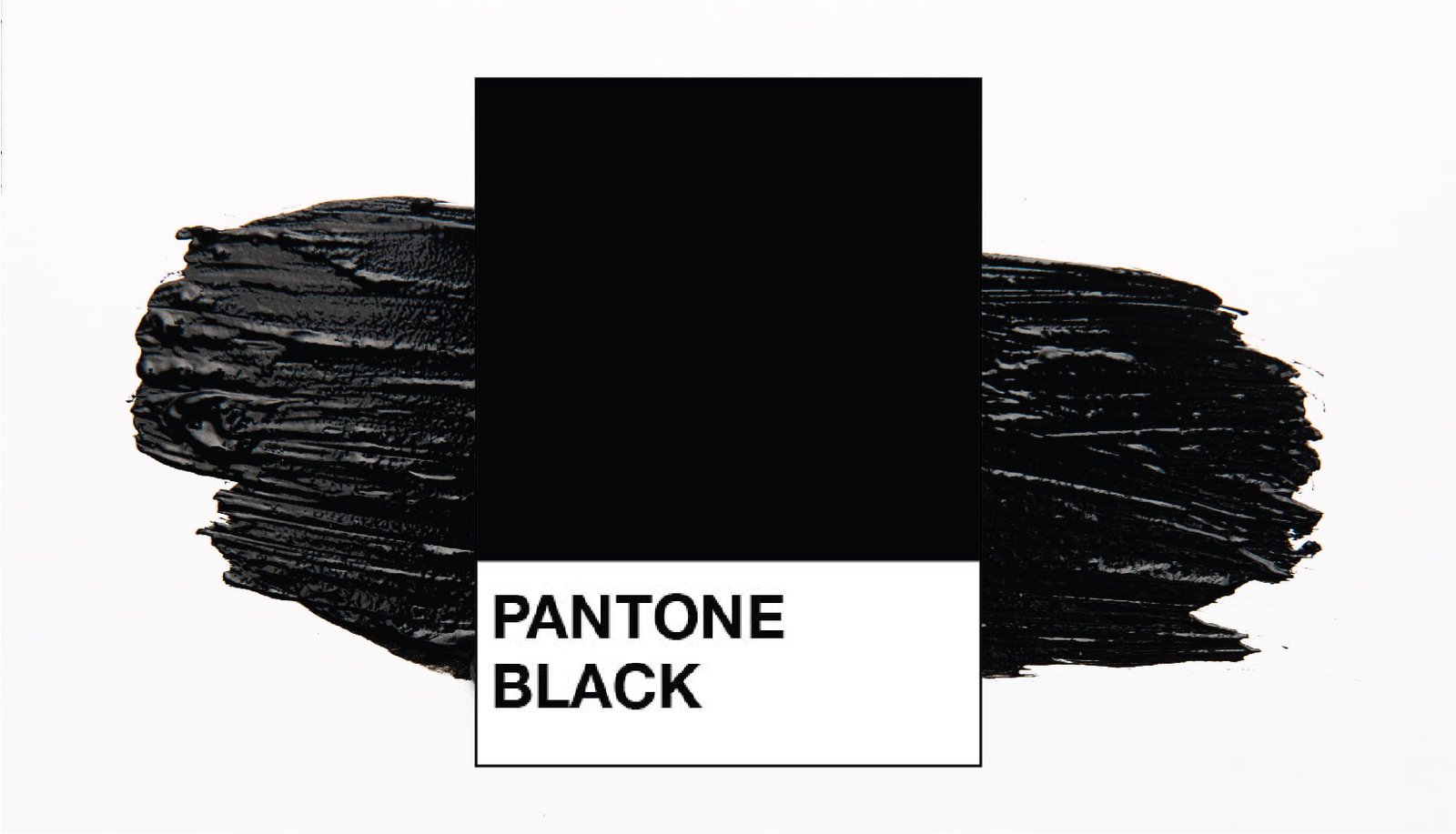
For large black backgrounds: Use Rich Black (C=75 M=68 Y=67 K=90).
This creates a deep, dark black.
For small text: Use 100% Black (K=100) to keep the text sharp and crisp.

Which color format is best: RGB or CMYK?

Please design in CMYK. RGB (Red, Green, Blue) is for computer screens. CMYK (Cyan, Magenta, Yellow, Black) is for printing. Note: If you submit an RGB file, we will convert it for you, but the colors may shift slightly.

Do you check my artwork before printing?

Yes! To ensure the best quality, our pre-production team reviews every file for correct bleed and sizing.

If we find an issue: We will contact you immediately via email or phone and advise you on how to fix the file.

Design Tip: To avoid cutting off essential elements (like phone numbers or logos), please keep them at least 0.125" (3.175 mm) away from the edge. This is called the "Safety Zone." Only your background colors or images should extend to the edge.

Which file format will be the best for printing?

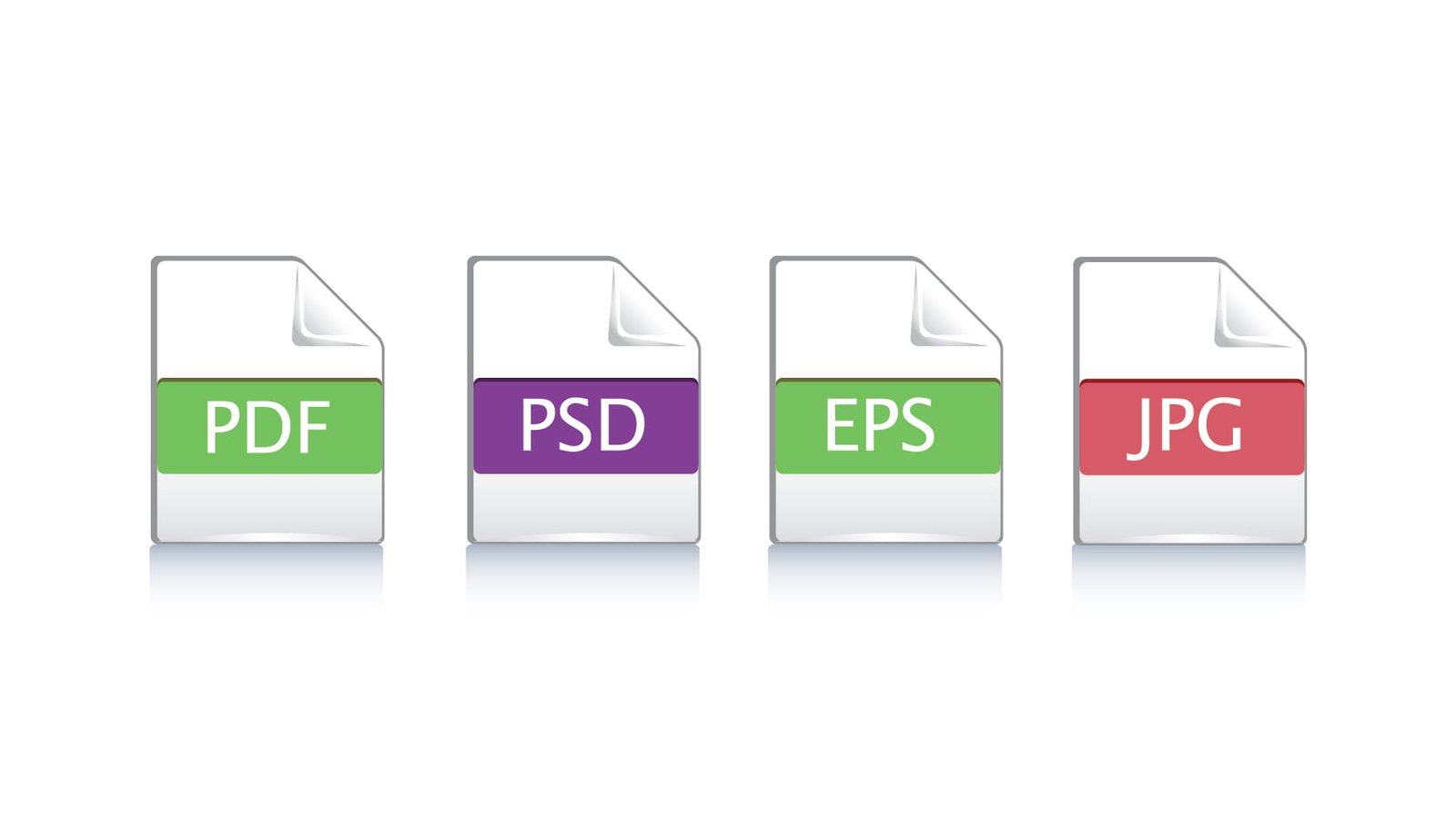
We prefer a high-quality PDF with bleed included. We also accept high-resolution JPG or PNG files (300 DPI).

This site uses cookies to offer you a better browsing experience. By browsing this website, you agree to our use of cookies.